1
Search first
The search bar stays prominent, so typing an app name is always the fastest path.
 Appy for Mac
Appy gives your Mac a friendly full-screen launcher with search, categories, Most Used apps, and layouts that do not bury the icons you came for.
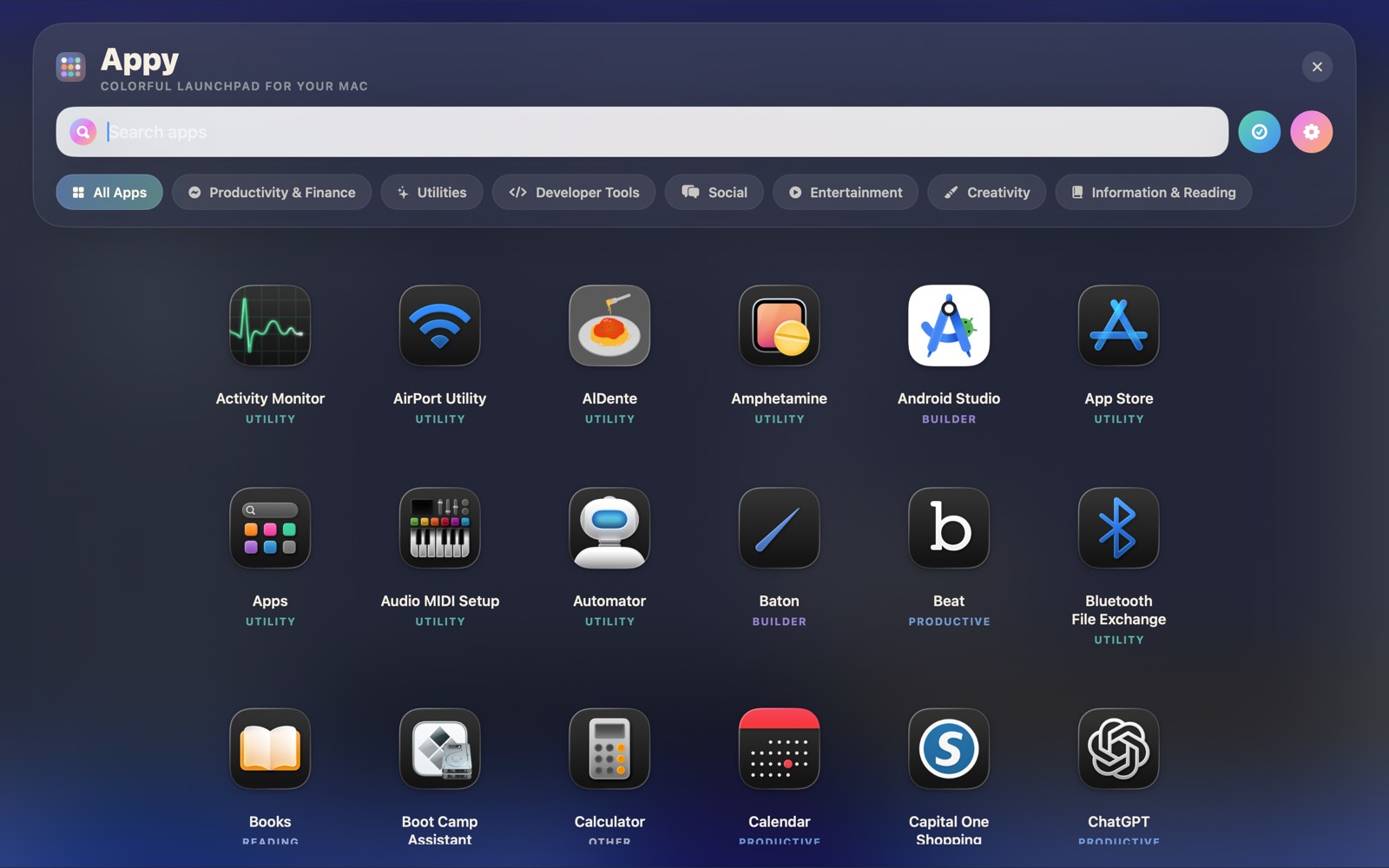
Appy keeps the launcher simple, visual, and adjustable without turning it into another settings maze.
The search bar stays prominent, so typing an app name is always the fastest path.
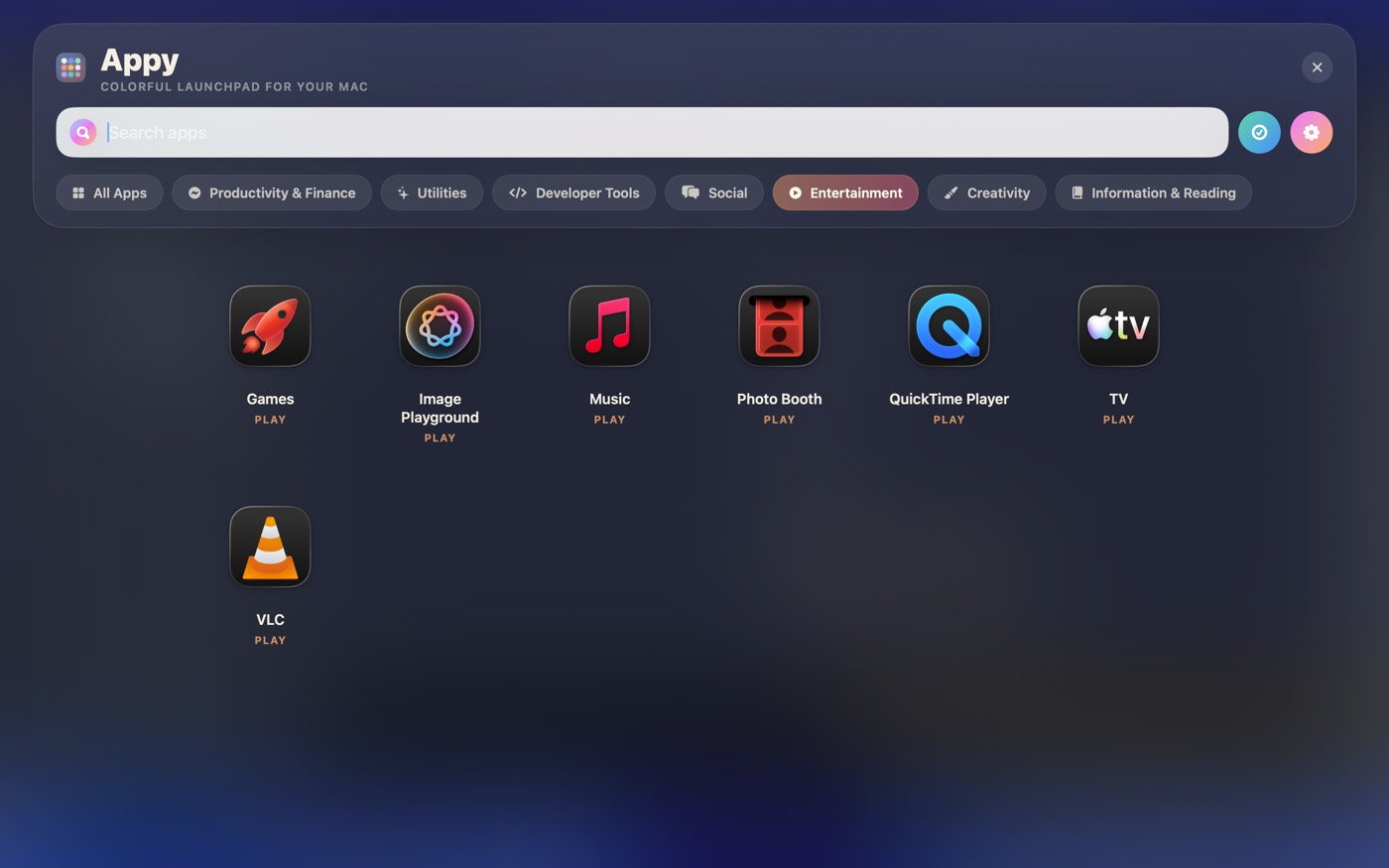
Categories make the whole Applications folder easier to skim when you do not know the exact name.
Keep frequent apps close without manually arranging everything every week.
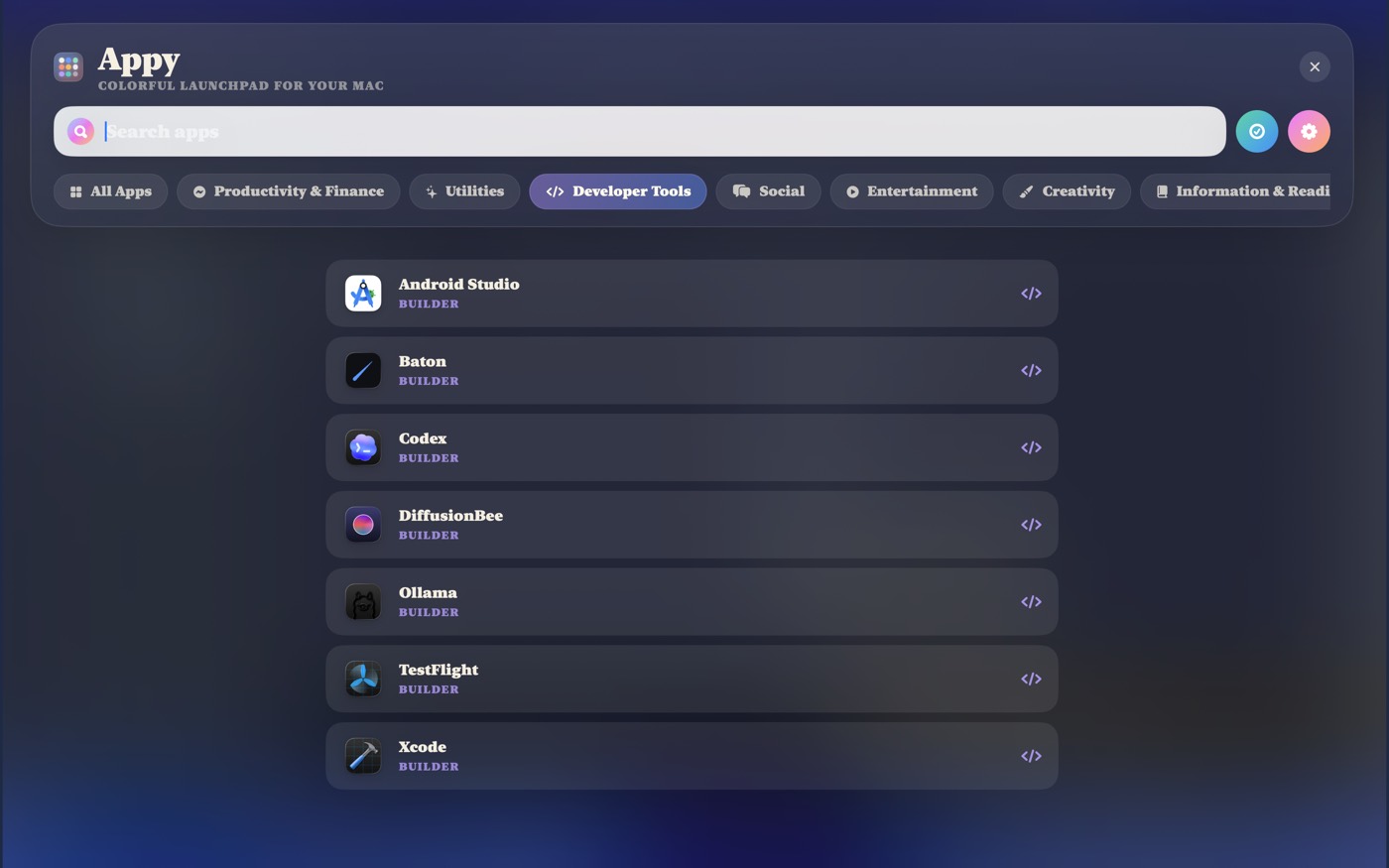
Switch between grid, list, minimal, and tile views depending on how you want to scan.
Use Appy as a visual launcher, a focused list, or a category browser.
Download the current DMG, open Appy, and choose the launcher style that fits your Mac.